Trim, compress, and upscale videos
A free and open source video editor and compressor for Windows and Linux, powered by FFmpeg. Cut videos without re‑encoding, edit audio, crop, resize, and compress to a target file size.
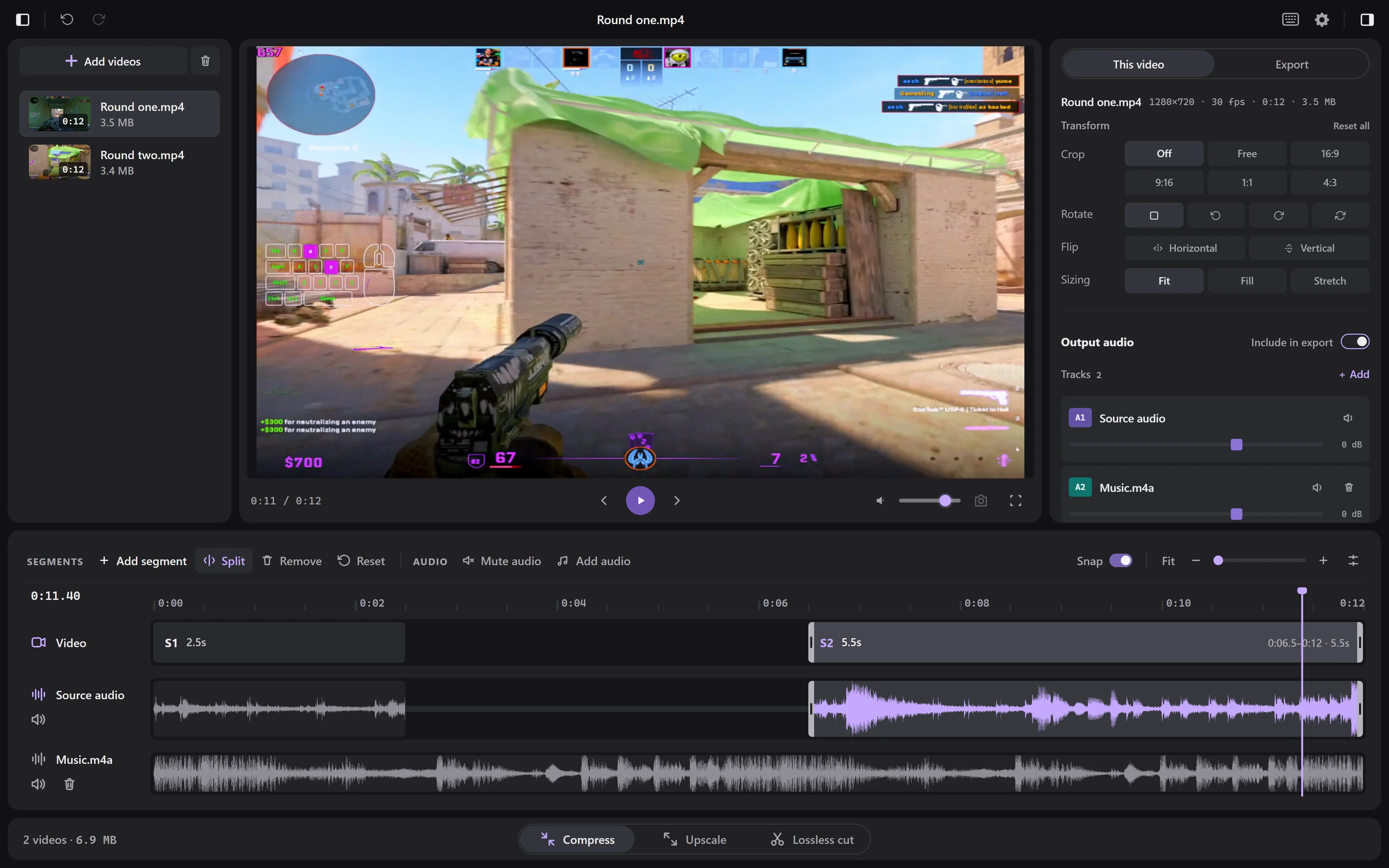
Cut out what you don’t need
Playback skips the parts you removed, so you can watch the finished video before you export it. If your recording has separate game and mic audio, each gets its own row with its own volume.
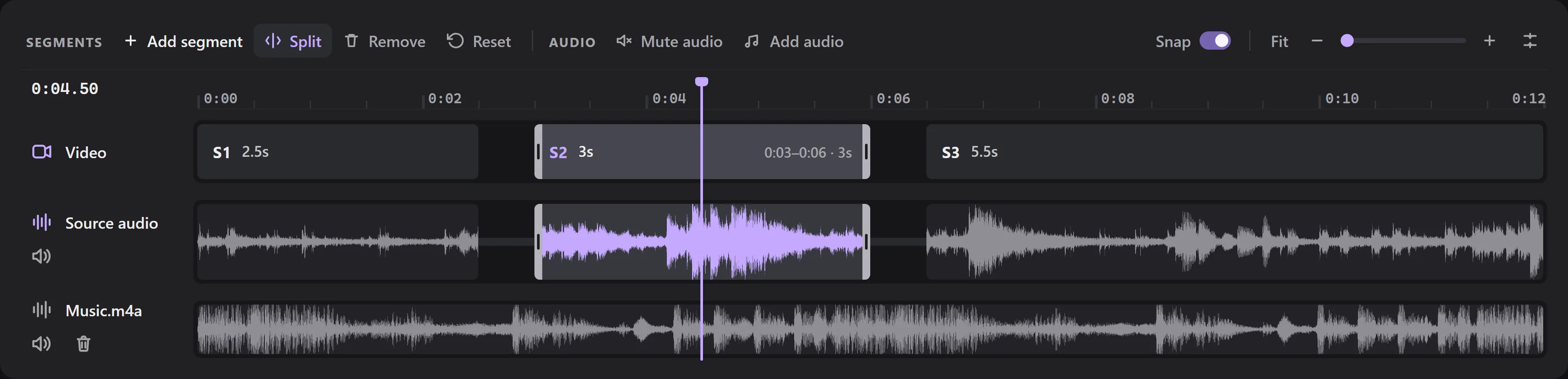
Crop and resize
Drag a crop frame right on the video, or pick a shape like 9:16 for vertical video. You can also rotate it, flip it, or change its size.
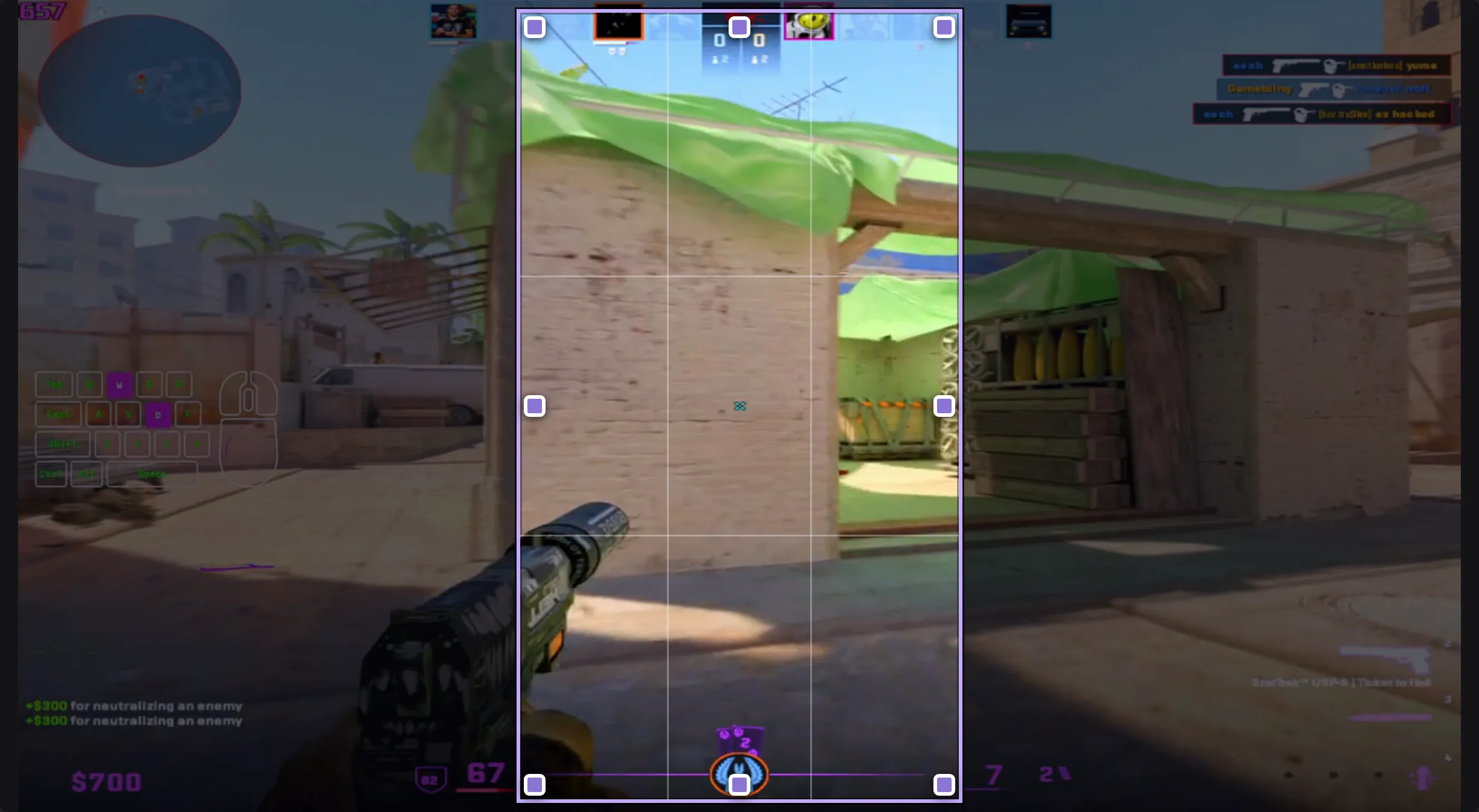
Target file size
When a chat app or website has an upload limit, tell Tuck the limit, like 20 or 50 MB, and it sets the quality so the video fits. You can save the settings you use often as a profile.
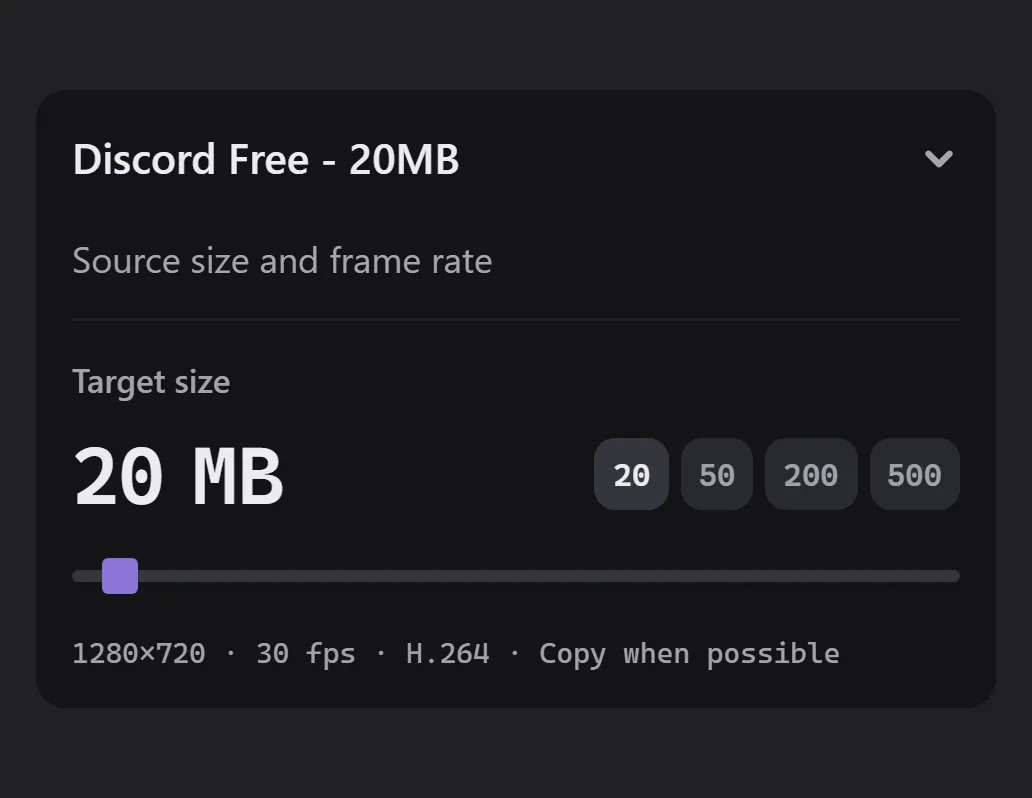
Lossless cut
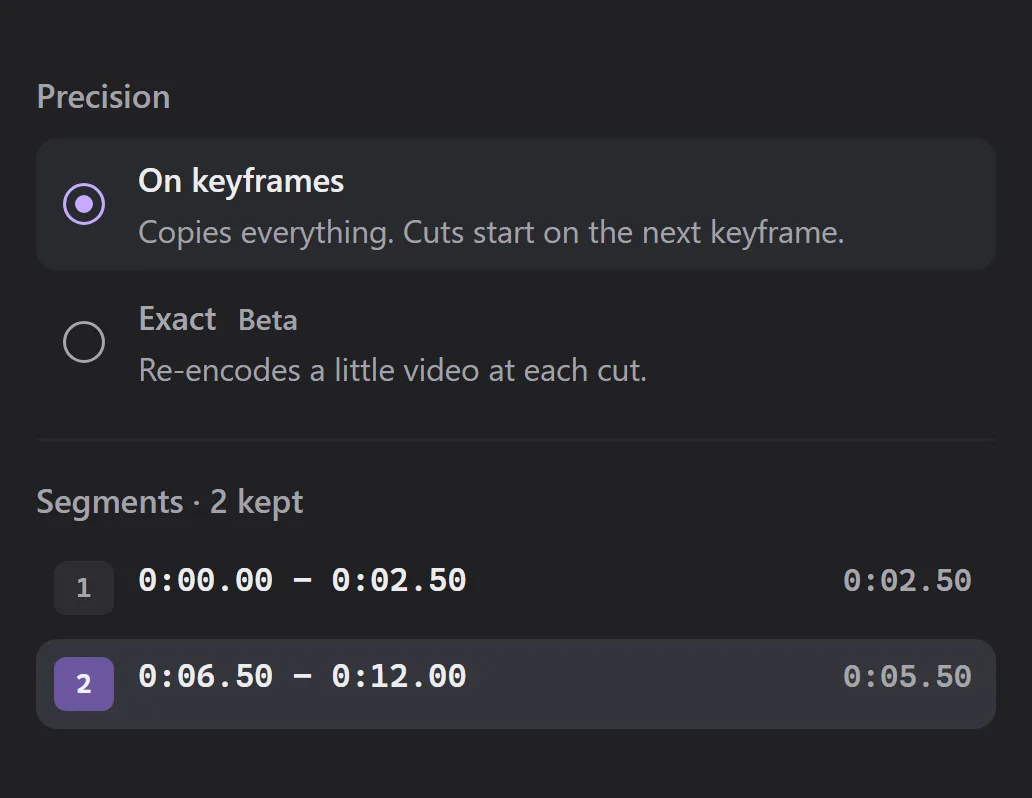
Cut a video without re‑encoding it, so it keeps its original quality and exports much faster. Each part starts on a keyframe, so it can begin a moment after where you cut. When that matters, switch to Exact.
Questions
- Is Tuck free?
- Yes, and it’s open source. The code is on GitHub under the GPL v3. If Tuck saves you time, you can support it on GitHub Sponsors or Buy Me a Coffee.
- Do I need to install FFmpeg?
- No, it comes with Tuck. If you’d rather use your own copy, choose it in Settings > Media tools.
- Why does Windows warn me when I install Tuck?
- The installer isn’t code signed yet, so Windows may say “Windows protected your PC.” Click More info, then Run anyway. If you want to be sure, check the file against its checksum first.
- How do I report a problem?
- Open an issue on GitHub. If an export failed, copy the Diagnostic report from Settings > About and paste it in. Tuck leaves your file paths out of it.
Download Tuck
Free for Windows 10 and 11 and for x86-64 Linux. FFmpeg is included, and Tuck updates itself.